AI virtual staging for real estate
Upload an empty room, pick a style, download a photorealistic staged photo in about 30 seconds. Windows, doors and walls stay exactly as shot.
5 free renders every month. No card needed.
Trusted by real estate agents
“I am absolutely blown away. I've used AI staging tools in the past and they sometimes change the fixtures. This produced six perfect photos and optimised the lighting.”
Why agents use Style Smarter
- About 30 seconds per render
- Average processing time recorded by Style Smarter.
- From A$0.50US$0.35 per image
- Pro plan, A$99US$69 for 200 renders.
- Architecture preserved
- Prompts lock windows, doors, walls and camera angle.
Try it on a sample room
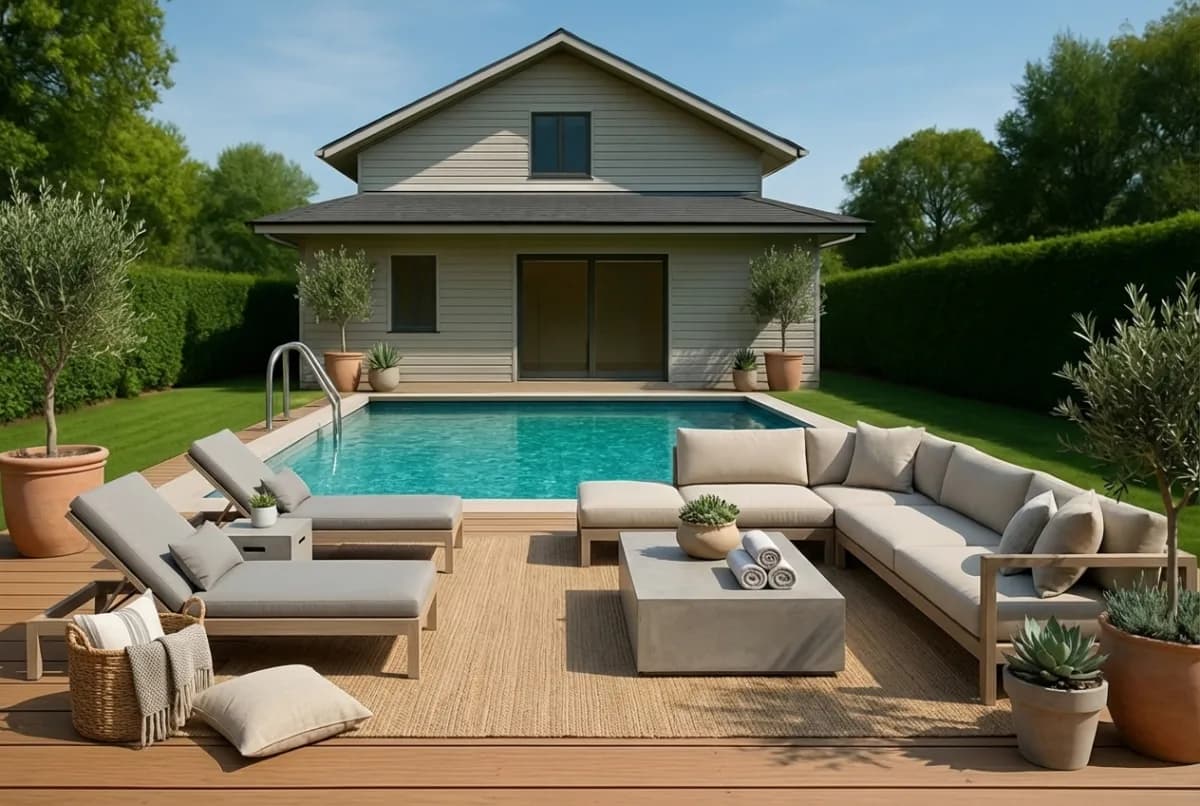
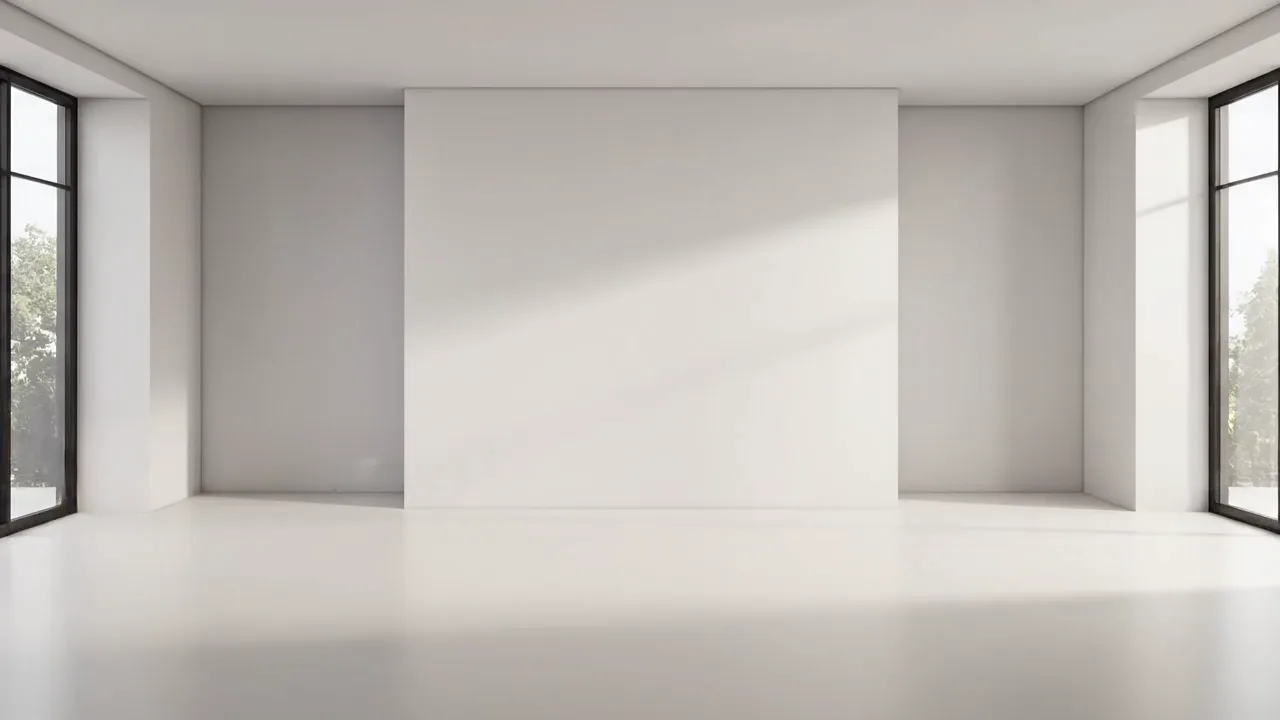
Pick a room and a style. These are real Style Smarter renders of empty rooms, made in about 30 seconds each. The furniture changes; the walls, windows and floors don’t.
Like what you see? Your own photos work the same way, and the first 2 each month are free.
5 free renders a month on your own photos. No card needed.

Style Smarter in 24 seconds
Built for rentals and vacates
Most rental apartments are marketed from a quick phone photo of an empty or half-cleared room. That is the photo Style Smarter is built to work from.
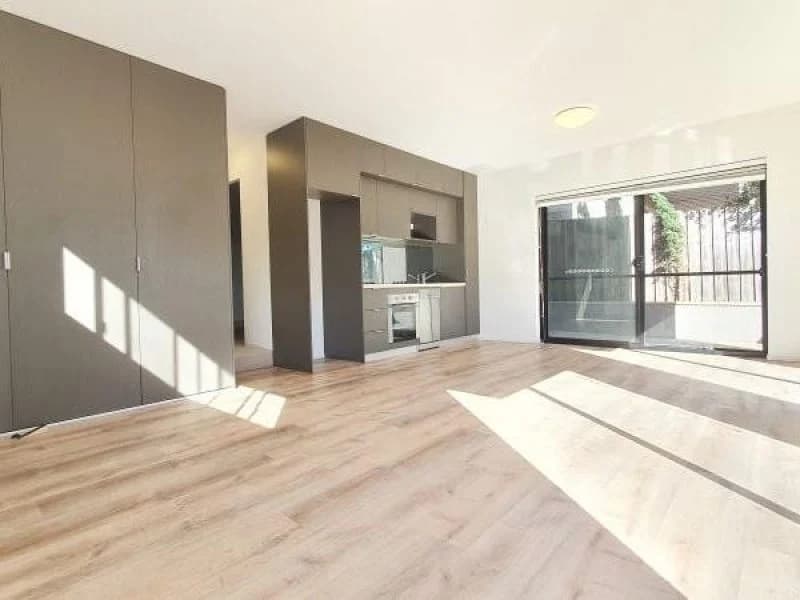
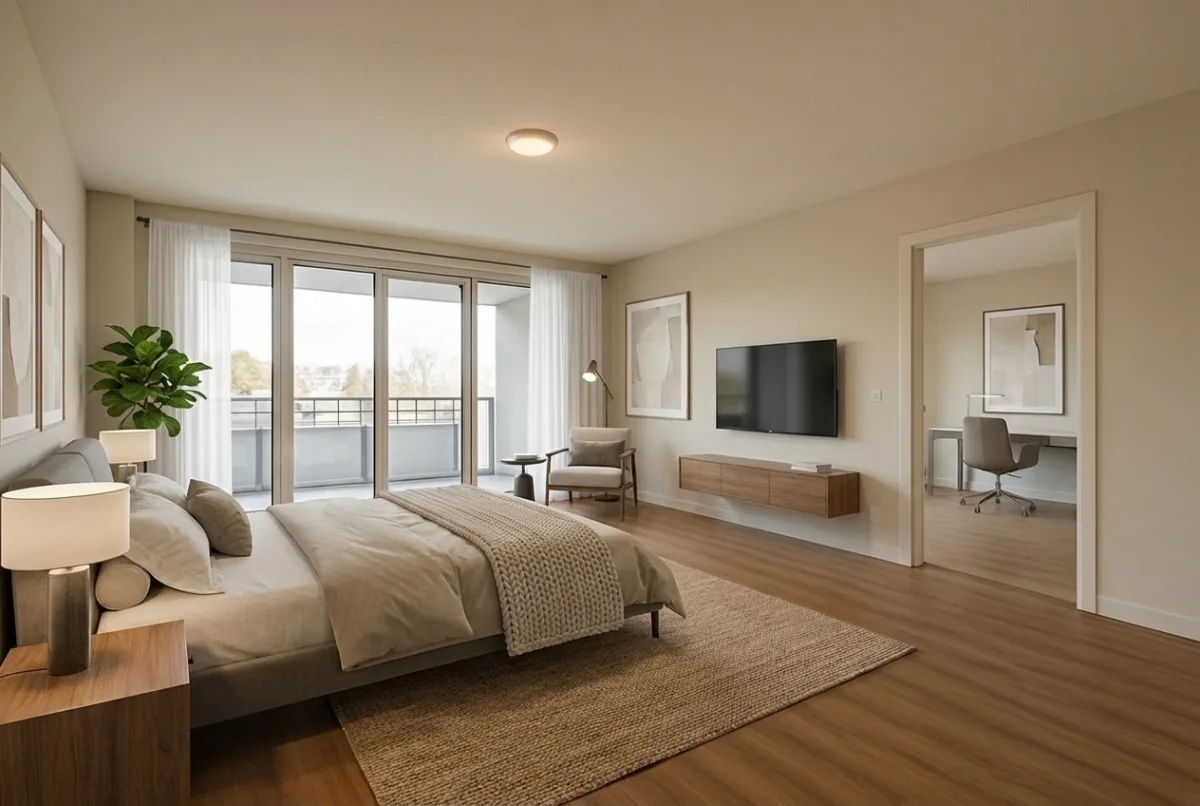
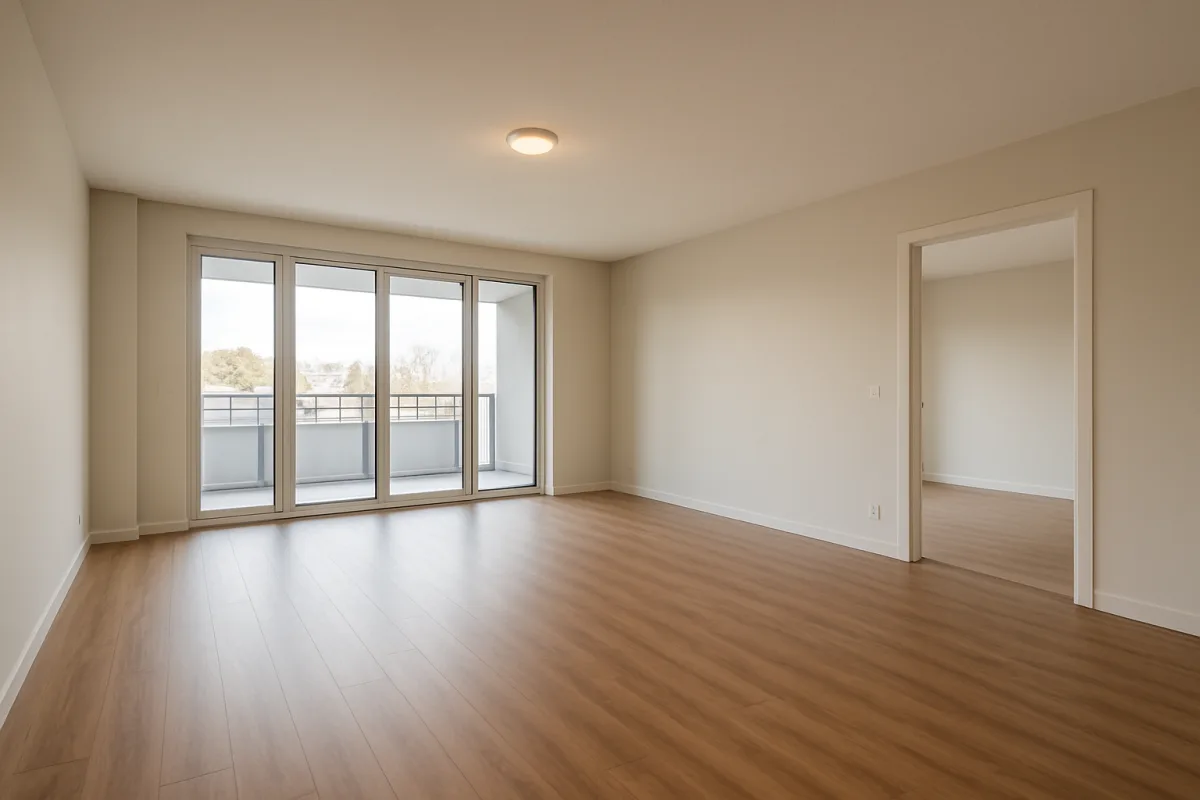
Phone photo, as uploaded
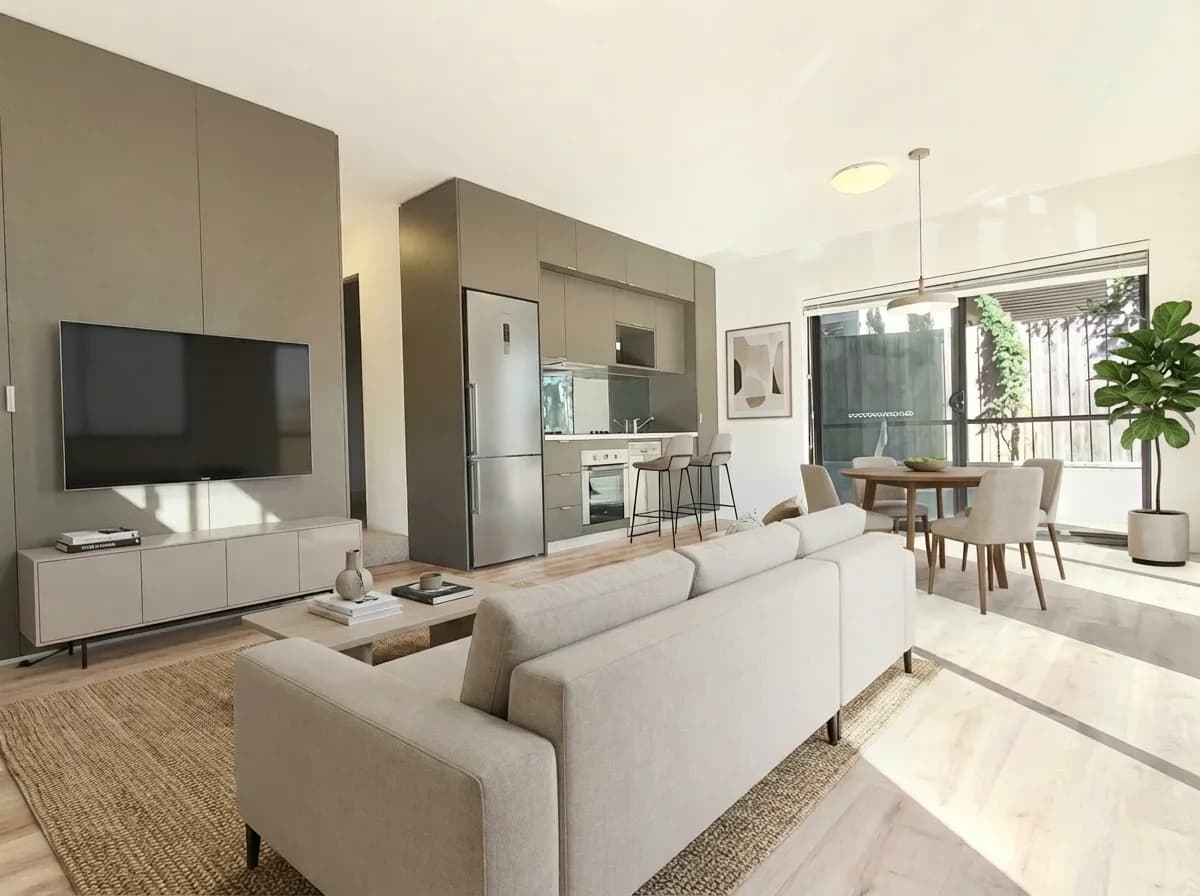
Styled, about 30 seconds later
- Phone photos are fine
- Rental listings rarely get a professional shoot. Upload the photo the property manager took on their phone at the final inspection; the render comes back with the lighting corrected and the room styled, at 1K or 2K resolution.
- Boxes and clutter go too
- Tenants moving out leave cartons, bin bags and odd furniture behind. Ask for the room to be cleared and staged in one pass, and the render shows the apartment as the next tenant will see it.
- The structure stays honest
- Windows, doors, walls, floors and the camera angle are locked, so a cleared and styled photo is still a true picture of the apartment.
How it works
Upload
Drop in a JPG or PNG up to 10 MB. The room can be empty or already furnished.
Choose a style
Pick Modern, Traditional, Minimalist, Scandinavian or Industrial.
Download
Save the finished PNG. Need a change? Describe it in plain English and the edit is applied.
Style Smarter compared
Per image, against a done-for-you virtual stager and a physical stager.
| Comparison | Style Smarter | Done-for-you virtual staging | Physical staging |
|---|---|---|---|
| Cost per image | A$0.33US$0.22 to A$0.50US$0.35 | A$30 to A$300US$30 | A$2,000 to A$6,500 per propertyUS$1,500 median per home, United States |
| Turnaround | About 30 seconds | 12 to 72 hours | 1 to 3 weeks |
| Revisions | Unlimited edits, one credit each | 1 to 3 included | New hire fees |
| Fixtures and walls | Locked by prompt | Editor judgement | Physical |
| Best for | Every listing, tenanted homes, quick launches | Prestige campaigns | Luxury in-person inspections |
Scroll the table sideways to see all three columns.
Done-for-you and physical ranges from published Australian pricing, see the cost guide.Done-for-you figure from BoxBrownie's US pricing; physical staging median from the NAR 2025 Profile of Home Staging.
Learn more about virtual staging
- Why use virtual staging for property sales
Staging helps buyers picture themselves in a home. Virtual staging gives you the same effect for a fraction of the cost.
- Virtual staging guides
Cost, disclosure rules, and virtual vs physical staging, with detail for the Australian market.
- Listing in Sydney, Melbourne or Brisbane? See local staging costs and the disclosure rules in your state, or virtual staging across Australia.
- Home staging cost in Australia (2026)
Physical vs virtual staging costs by city, with cited prices for Sydney and Melbourne.
- Style Smarter vs BoxBrownie
Compare AI self-serve virtual staging against done-for-you editing.
- Virtual Staging Sydney
Local costs, NSW disclosure rules, and how Sydney agents use virtual staging.
- Virtual Staging Melbourne
Victorian regulations and Melbourne staging costs.
- Virtual Staging Brisbane
Queensland rules and Brisbane staging costs.
Plans and pricing
Credits reset each month. Cancel any time from the dashboard; access runs to the end of the billing period.
Free
A$0US$0/month
5 free renders to try
- 5 renders per month
- 1K resolution
Basic
A$29US$19/month
A$0.48US$0.32 per image
- 60 renders per month
- 1K resolution
- Most popular
Pro
A$99US$69/month
A$0.50US$0.35 per image
- 200 renders per month
- 2K resolution
Enterprise
A$299US$199/month
A$0.33US$0.22 per image
- 900 renders per month
- 2K resolution
Frequently asked questions
From A$0.48 per room on the Basic plan and A$0.50 on Pro, compared with A$30 to A$300 per image for done-for-you virtual staging and, for physical staging, A$2,000 to A$6,500 per property for a three-bedroom home. See the plans page for the full table.From US$0.32 per room on the Basic plan and US$0.35 on Pro, compared with US$30 per image for a done-for-you service such as BoxBrownie and a median of US$1,500 per home for physical staging in the United States (NAR, 2025). See the plans page for the full table.
No. Every render keeps the architecture, camera angle and finishes of the original photo. Only loose furniture, rugs, art, plants and lighting are added. That is the main difference from running a generic image model yourself.
About 30 seconds per room, measured across renders on the platform. Upload, choose a style, download.
Yes. Describe the change in plain English, such as swap the sofa for a linen sectional or add a rug, and the edit is applied without changing the room.
Yes. After uploading, choose Blue sky to swap a grey or washed-out sky for a clear blue one, or Day to dusk to turn a daytime photo into a twilight shot with the existing lights switched on. Both work on outdoor and front-of-house photos without staging them, and on a staged render from the edit screen. Each costs one credit, and the building, garden and framing stay as photographed.
Yes. Choose Restyle furnished room when uploading. The existing furniture is replaced and the room structure stays the same.
Yes. Upload the phone photo from the final inspection, ask for the room to be cleared and staged, and the render removes moving boxes, bags and leftover furniture before styling it. Windows, doors, walls and floors are never altered, so the photo stays a true picture of the apartment.
Yes. Consumer law in most markets prohibits misleading property marketing. Label images as virtually staged and never alter fixed features. Tick the disclosure label when downloading and the image carries a “Virtually staged” or “Digitally enhanced” label in the corner. The virtual staging disclosure rules in Australia cover those rules in detail, state by state.