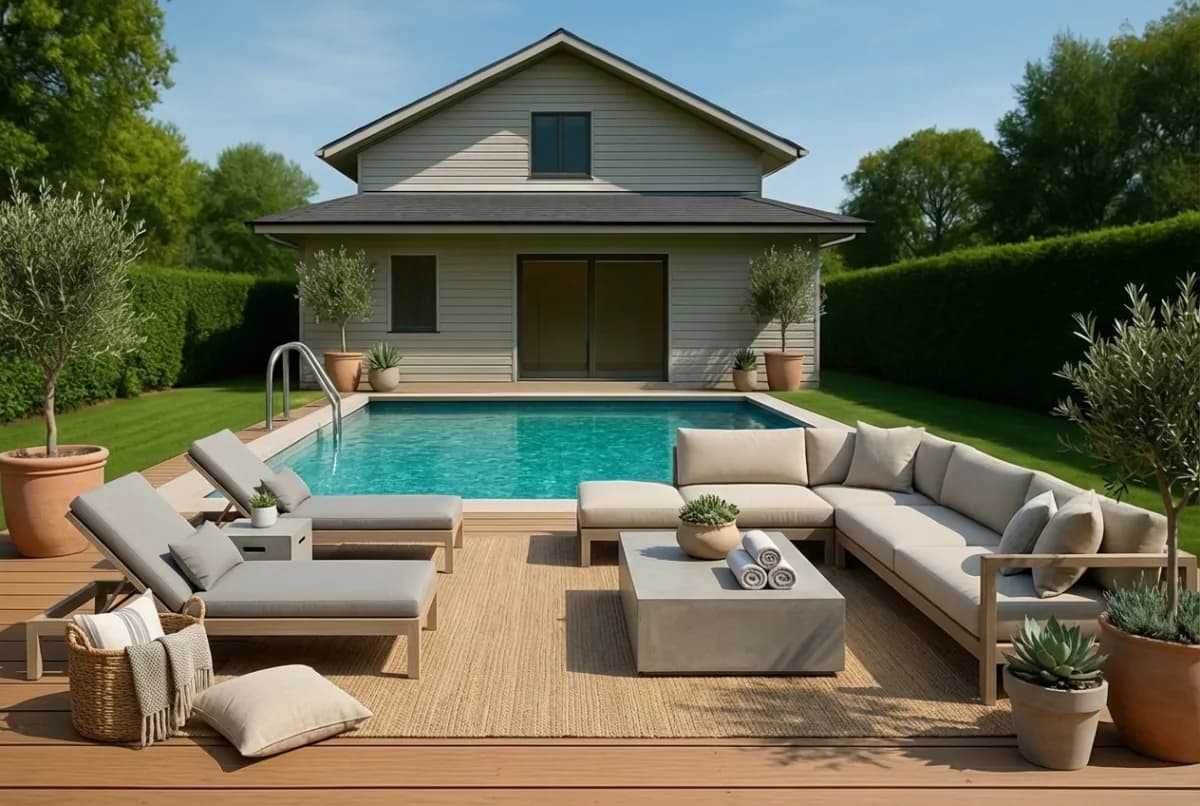
How AI virtual staging works
Turning an empty room into a fully styled photo takes three steps and about 30 seconds. No furniture hire, no second shoot, no editing brief to write.
Three steps from empty room to styled photo
Upload a picture
Drop in a photo of the room, JPG or PNG up to 10 MB. The room can be empty or still furnished, and you can tell us what kind of room it is or let the AI work it out.
Choose a style
Pick one of five styles. The model furnishes the space in about 30 seconds, holding the original architecture, camera angle and lighting in place.
Download the finished photo
Save a photorealistic PNG ready for the portal, the brochure and the window card. Not quite right? Describe the change in plain English and run an edit.
See it on a real room
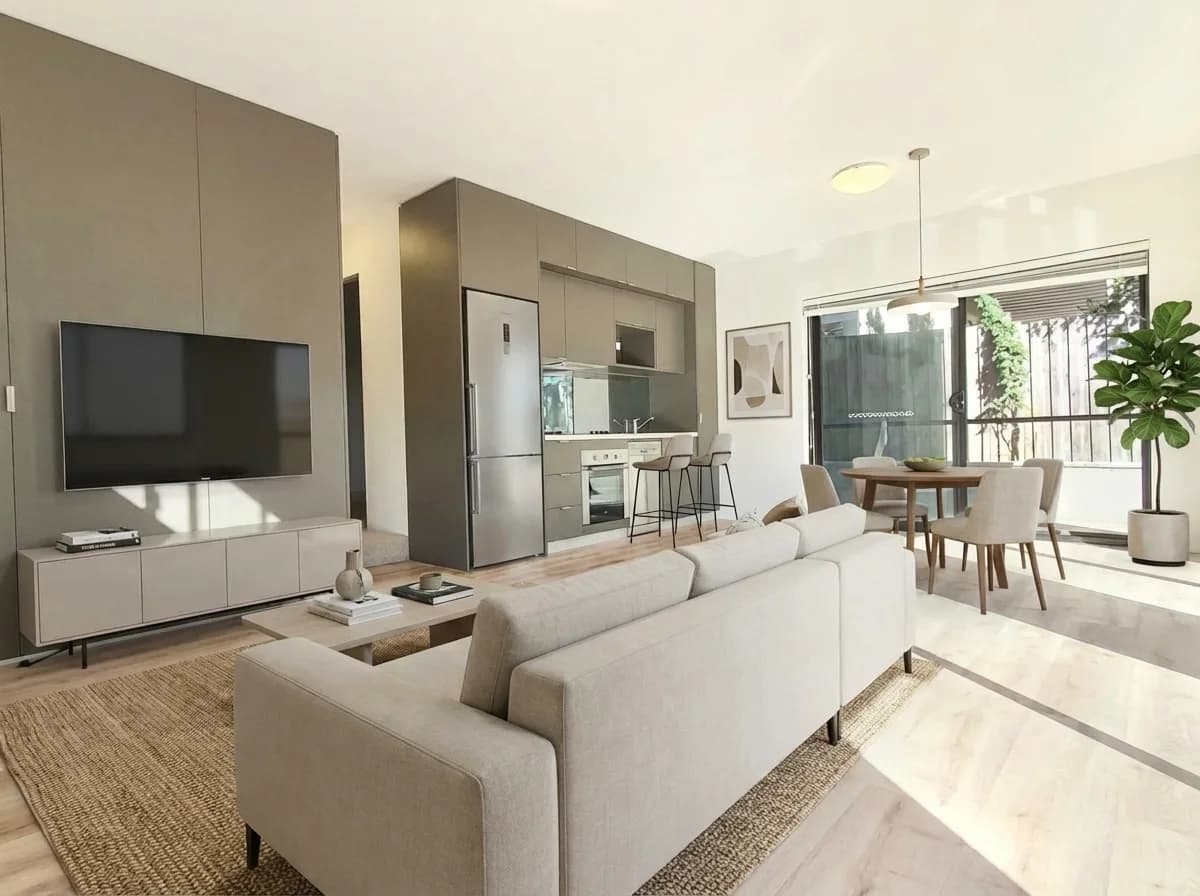
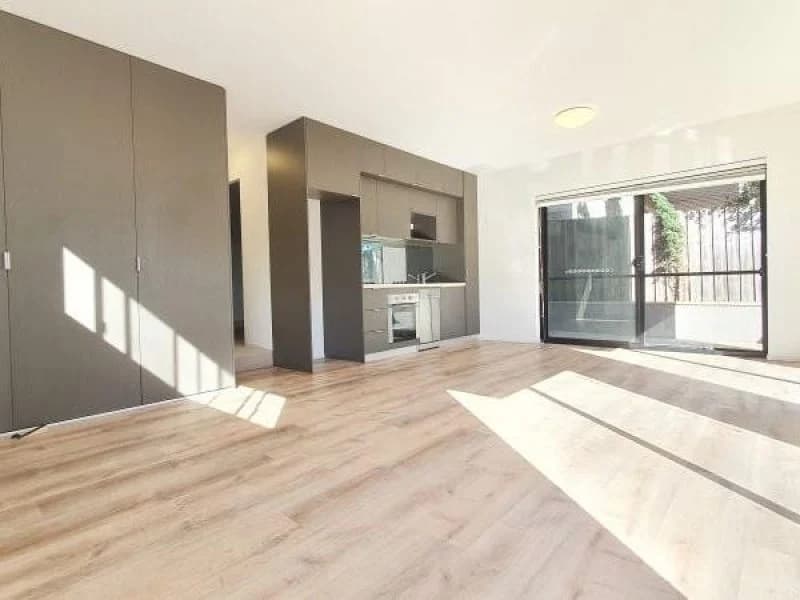
Drag the handle to compare the original photo with the render. The window line, the floor and the camera position are identical; only the furnishings are new.
Fine-tune your styled images
Not quite right? Describe the change in plain English and the AI applies it to the same room. Each edit costs one credit, and you can run as many as you like.
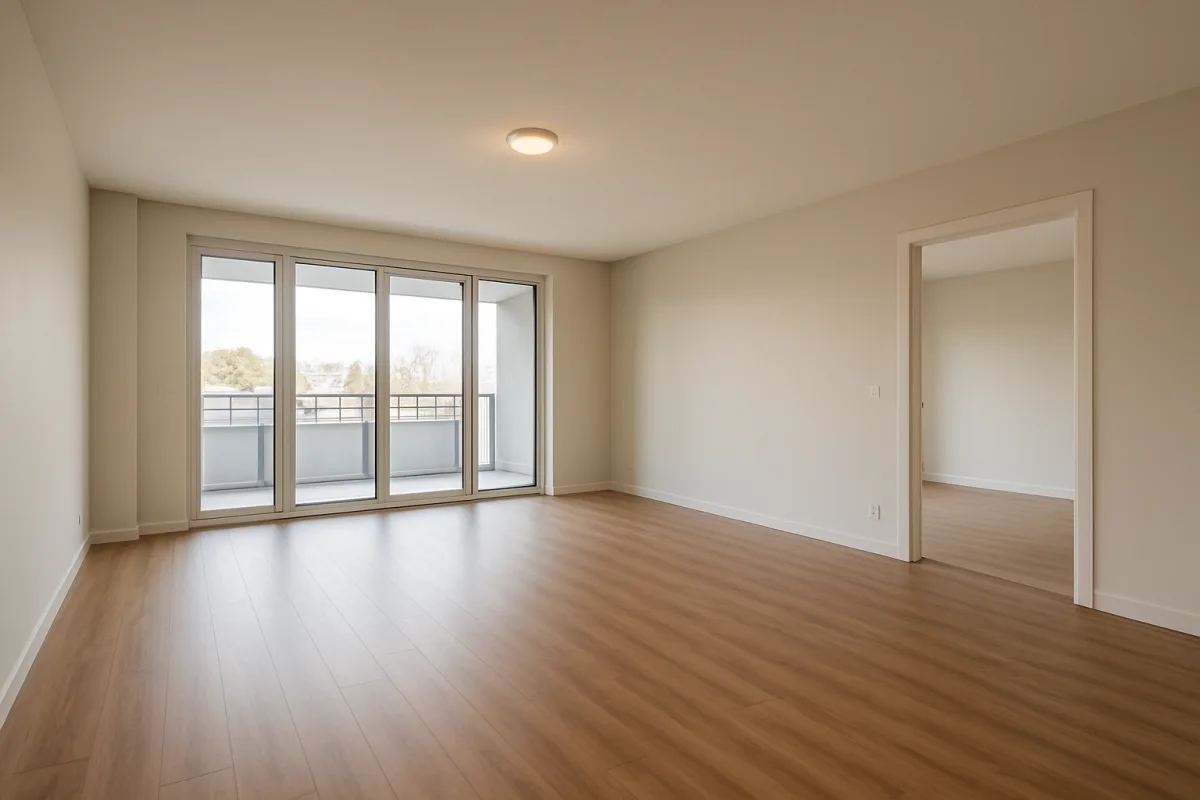
Before the edit
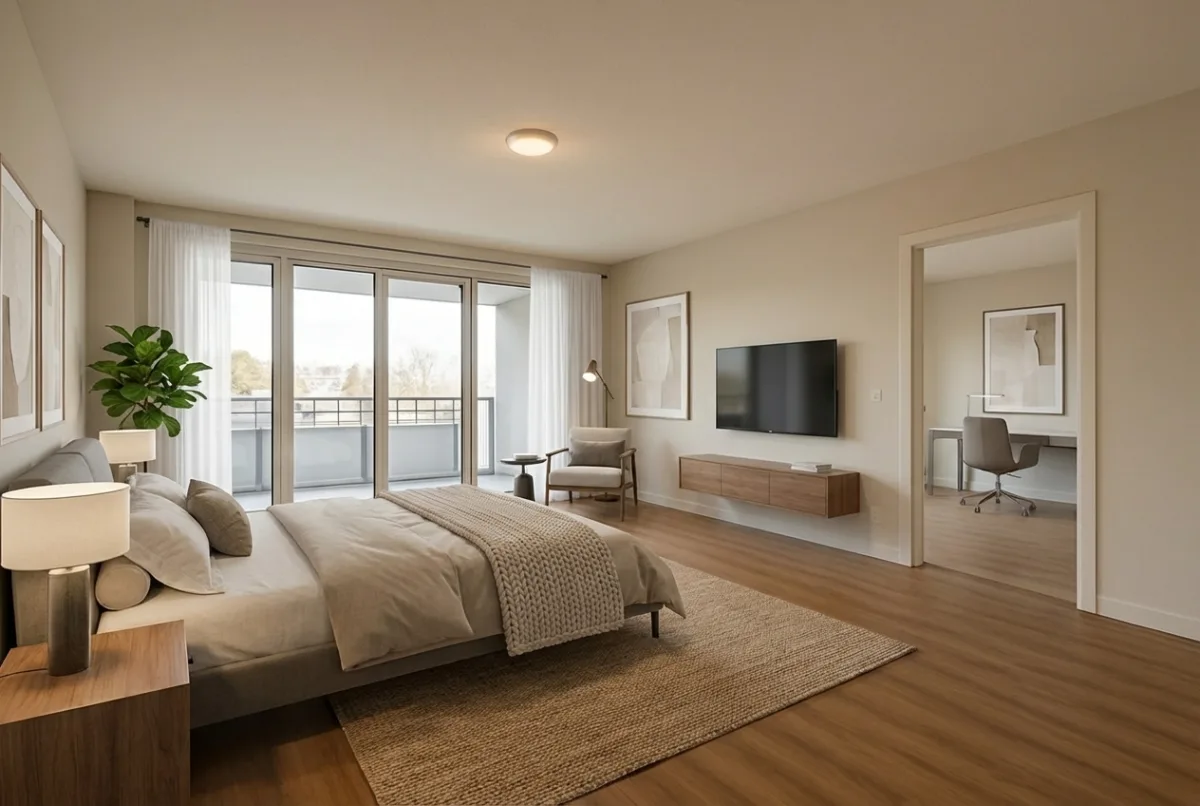
After the edit
What the AI will not change
Every render is prompted to leave the fixed parts of the property alone. That keeps the photo honest, which matters because consumer law in most markets prohibits misleading property marketing.
- Windows and their frames
- Doors and doorways
- Walls and wall colour
- Floors and floor coverings
- Ceilings and ceiling lines
- The camera angle and perspective of the original shot
Only loose items are added, replaced or removed: furniture, rugs, art, plants, soft furnishings, lamps, and the moving boxes and clutter a departing tenant leaves behind.
Supported rooms and styles
Rooms you can stage
Pick the room type when you upload, or choose Let AI decide and the model works it out from the photo.
- Bedroom
- Master bedroom
- Guest room
- Nursery
- Living room
- Lounge
- Dining room
- Kitchen
- Pantry
- Bathroom
- En suite
- Study
- Office
- Hallway
- Laundry
- Walk-in wardrobe
- Sunroom
- Garage
- Basement
- Attic
Five design styles
- Modern
- Clean lines and contemporary furniture.
- Scandinavian
- Warm, pared-back rooms with natural timber and soft textiles.
- Traditional
- Classic, timeless furnishings with a settled feel.
- Minimalist
- Simple, uncluttered spaces with very little on show.
- Industrial
- Urban look with exposed materials and darker tones.
Your projects, always accessible
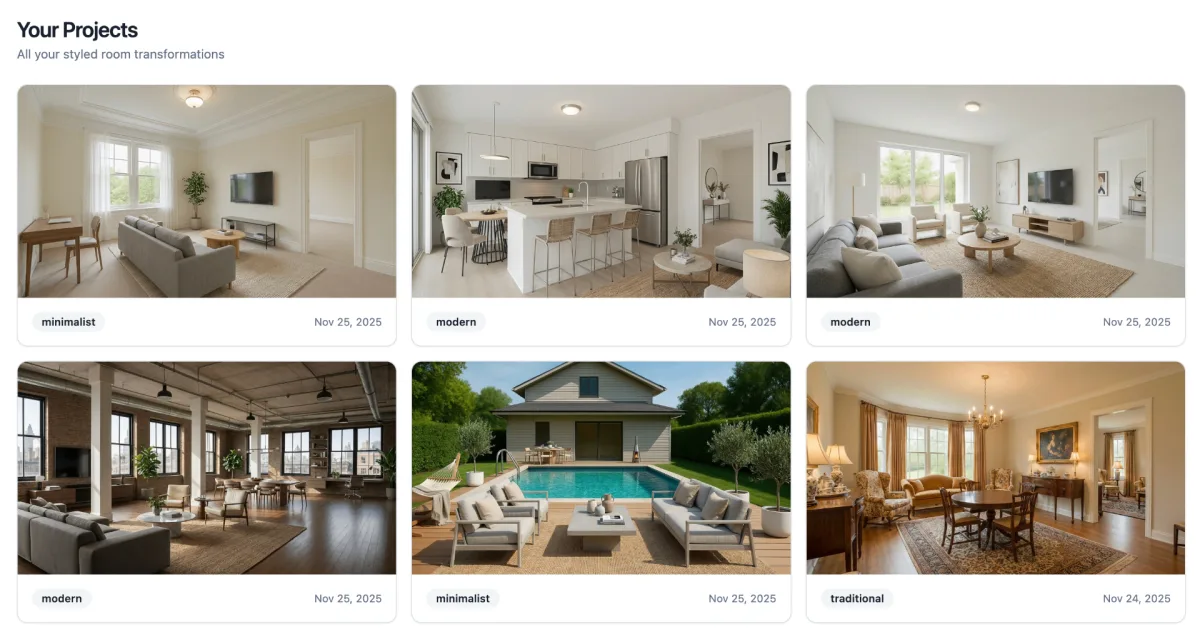
Every property, room and render stays in your dashboard. Come back a week later to re-edit an image, try a second style or download the file again for a new campaign. Nothing expires when your credits reset.
Questions about the process
No. Every render keeps the architecture, camera angle and finishes of the original photo. Only loose furniture, rugs, art, plants and lighting are added. That is the main difference from running a generic image model yourself.
About 30 seconds per room, measured across renders on the platform. Upload, choose a style, download.
Yes. Describe the change in plain English, such as swap the sofa for a linen sectional or add a rug, and the edit is applied without changing the room.
Yes. Choose Restyle furnished room when uploading. The existing furniture is replaced and the room structure stays the same.
Yes. Upload the phone photo from the final inspection, ask for the room to be cleared and staged, and the render removes moving boxes, bags and leftover furniture before styling it. Windows, doors, walls and floors are never altered, so the photo stays a true picture of the apartment.
Upload JPG or PNG up to 10 MB. Download PNG.
Yes. Photograph the rooms as they are and choose Restyle furnished room. The existing furniture is replaced and the room structure stays the same, which is the usual answer for tenanted homes where physical staging is impractical.